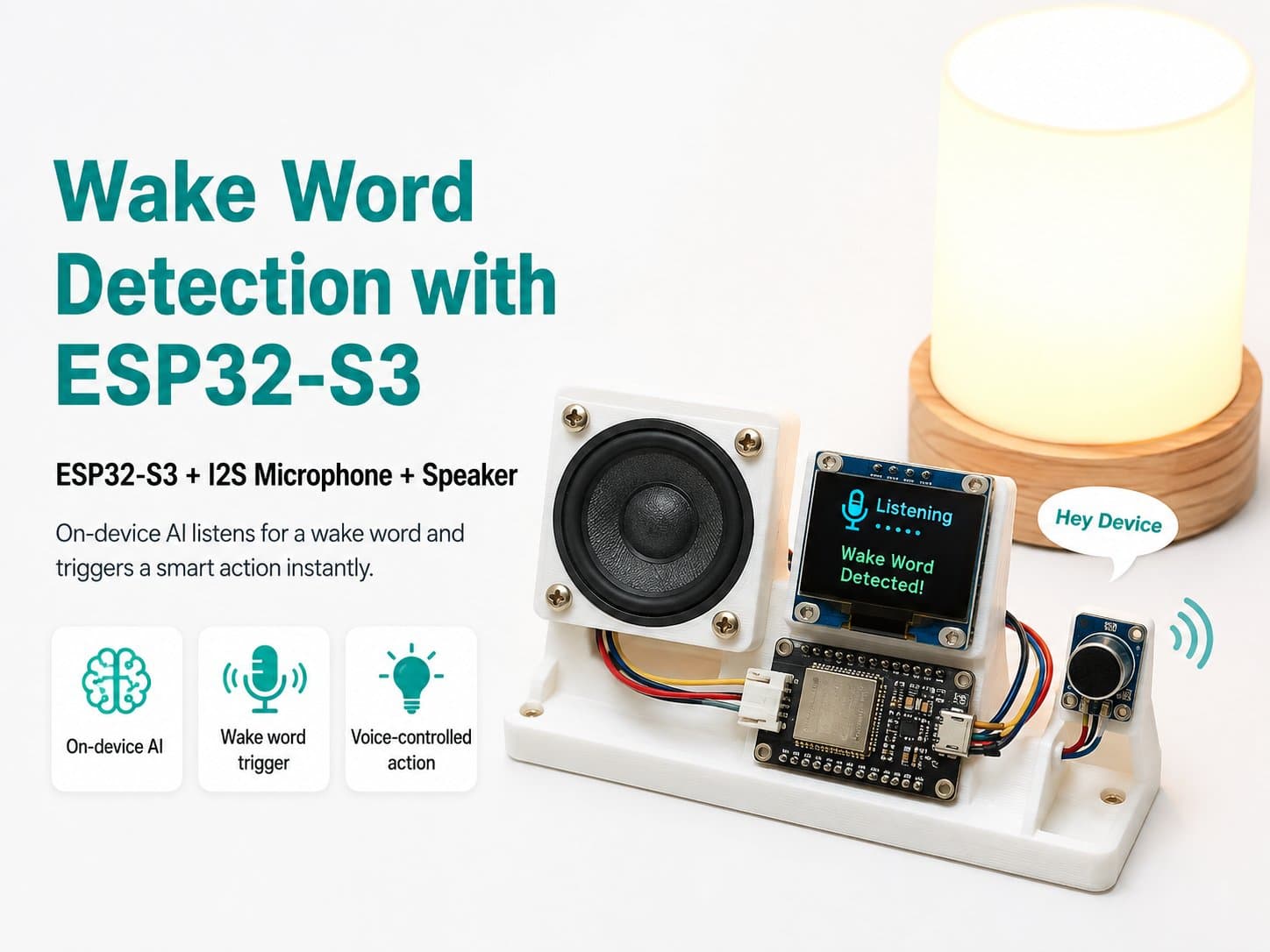
Wake Word Detection with ESP32-S3: A Device That Responds to Voice Commands
This project shows you how to build a device that always listens through a microphone with an ESP32-S3 and an INMP441 I2S microphone — when the user says the programmed wake word, the device automatically wakes up and responds.
Project Overview
The Wake Word Detection with ESP32-S3 project shows you how to build an AIoT device that can listen for a wake word like Hi ESP right on the microcontroller. When the wake word is detected, the device responds with an LED and can be extended to control a relay, publish to MQTT, trigger Home Assistant, or recognize further commands.
The technical pipeline includes an INMP441 I2S microphone, the ESP32-S3, the ESP-SR Audio Front-End, and WakeNet. The AFE processes 16 kHz, 16-bit audio data, then WakeNet checks the wake-up state.
What Will You Learn?
- How to wire an INMP441 I2S microphone to an ESP32-S3.
- How to create an ESP-IDF project with the ESP-SR dependency.
- How to configure the partition table for WakeNet's model.
- How to read I2S audio, feed the AFE, and fetch WakeNet's result.
- How to respond with an LED when the wake word is detected.
- How to debug common issues and extend this into a real IoT device.
Project Limitations
This lesson focuses on wake-word detection, not free-form Vietnamese speech recognition. To understand a command spoken after the wake word, you'll need to add MultiNet, a custom model, or integrate another speech-command system.
Detailed guide
List of extended articles for this project.