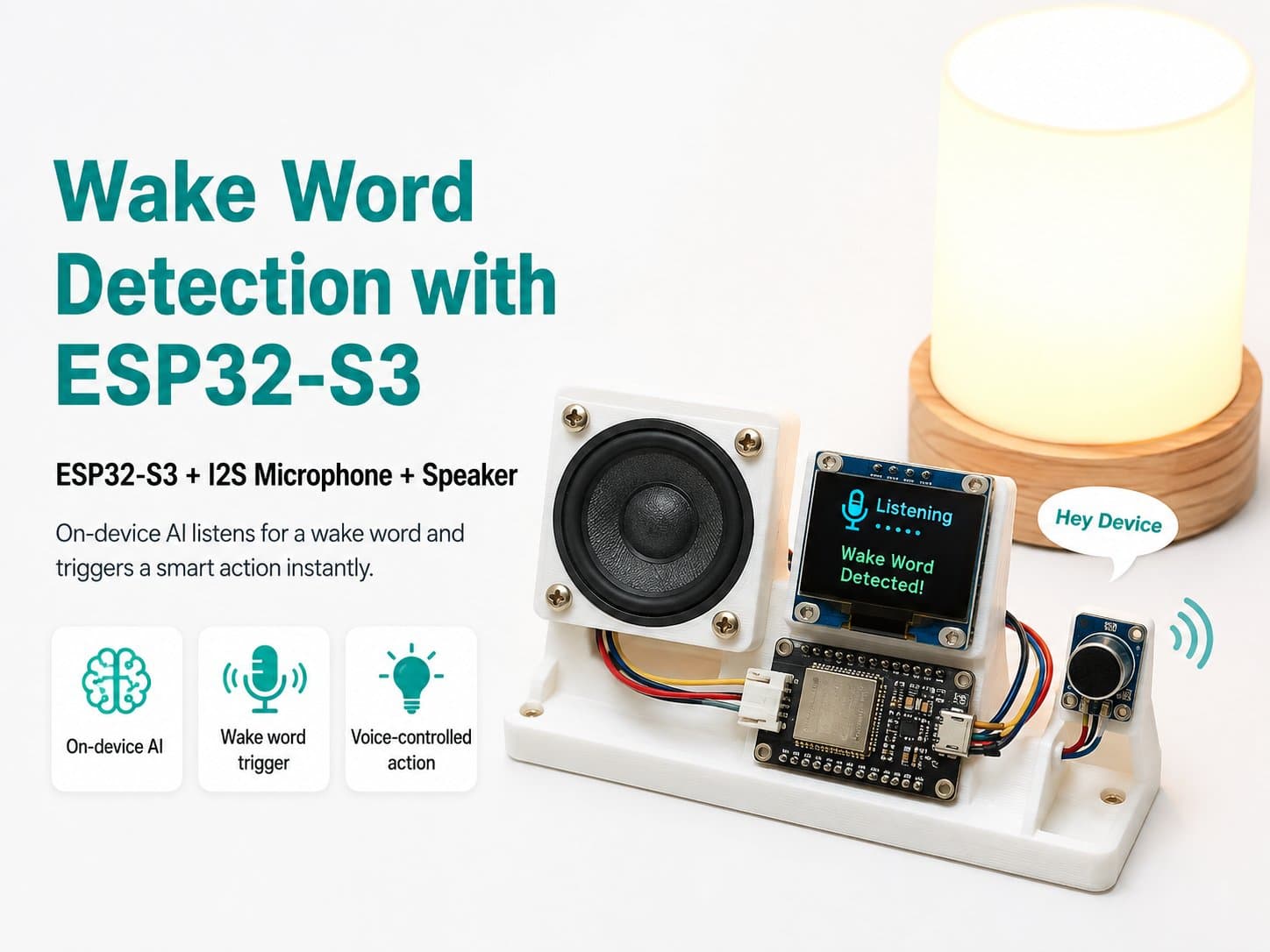
Programming the Wake Word Detection Firmware for ESP32-S3
This project uses an ESP32-S3 paired with an INMP441 I2S microphone to build a device that listens and responds when it recognizes a wake word. Below is a detailed guide to programming the firmware for this project.
1. Preparing the Hardware
ESP32-S3: a microcontroller with strong processing power, supporting AI and I2S.
INMP441 Microphone: a mic supporting the I2S protocol, capturing high-quality audio.
Connecting cable: to connect the microphone to the ESP32-S3.
2. Setting Up the Development Environment
To program the ESP32-S3, you need to install the ESP-IDF, since WakeNet/ESP-SR is only officially supported in that environment. If you use the Arduino IDE, you can only do basic audio-capture functions without advanced wake-word recognition.
// Cài đặt thư viện ESP32
#include <Arduino.h>
#include <driver/i2s.h>
3. Configuring the INMP441 Microphone
The INMP441 microphone uses the I2S protocol to transfer audio data. Configure I2S for the microphone as follows:
i2s_config_t i2s_config = {
    .mode = I2S_MODE_MASTER | I2S_MODE_RX,
    .sample_rate = 44100,
    .bits_per_sample = I2S_BITS_PER_SAMPLE_16BIT,
    .channel_format = I2S_CHANNEL_FMT_ONLY_LEFT, // Sử dụng định dạng mono
    .communication_format = I2S_COMM_FORMAT_I2S,
    .intr_alloc_flags = 0,
    .dma_buf_count = 8,
    .dma_buf_len = 1024,
    .tx_desc_auto_clear = false,
    .use_apll = false
};
4. Connecting the INMP441 Microphone
The INMP441 microphone needs a 3.3V supply and must be correctly connected to the ESP32-S3's WS, SD, and SCK pins. Make sure you use the right pins and never supply more than 3.3V, to avoid damaging the microphone.
5. Programming Wake Word Detection
The program needs a machine learning model to recognize the wake word. Refer to the ESP-SR documentation for details on how to use it.
Tip: make sure the microphone is wired correctly and the ESP32-S3's power supply is stable, to avoid errors while capturing audio. Also, ESP-SR/WakeNet needs a significant amount of RAM, so use an ESP32-S3 board with PSRAM for the best results.