IoTSpark Workspace
Draw hardware wiring diagrams as clean as professional documentation
Drag and drop real ESP32s, sensors, and modules — wire them visually, auto-check pin conflicts, export PNG/SVG/PDF with a BOM. Right in the browser, no install needed.
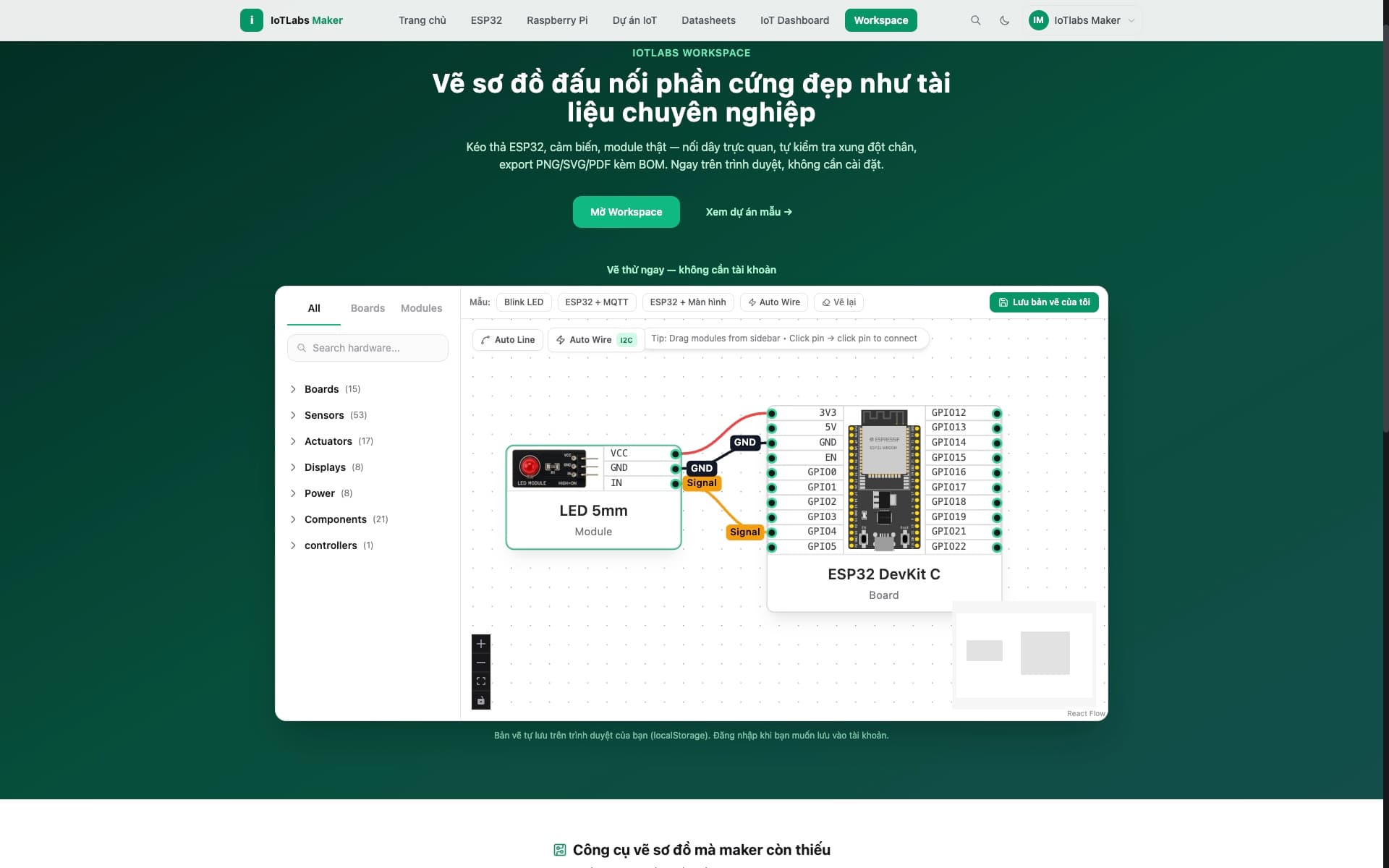
A real screenshot from the Diagram editor — open on desktop to try drawing live.
The diagram tool makers have been missing
A real breadboard gets messy, hand-drawn diagrams look bad, dedicated software is heavy. Diagram in Workspace fills exactly that gap.
Real component library
ESP32, sensors, and familiar modules with standard pinouts — drag, drop, and wire like a breadboard.
Automatic conflict detection
Duplicate GPIO pins, duplicate I2C addresses on the same bus — Workspace warns you right as you draw.
Export any format
PNG/SVG for articles, PDF with a BOM and wiring table for reports, a full ZIP bundle to your machine.
Your data, your rules
Private by default
Your project stays private until you choose to share it with the community.
No data lock-in
Export the whole diagram, code, and docs to your machine anytime — the data is yours.
Code wherever you want
Draw the diagram in Workspace, keep coding in your favorite local IDE — or use the in-browser Code/Build/Flash whenever you need it.
When you need more than a diagram
The full Code → Build → Flash → Monitor → Cloud cycle is available in the same project — use it whenever you want.
Code
Arduino editor synced with the diagram.
Build
Compile firmware in the cloud.
Flash
Flash your board over USB (WebSerial).
Monitor
Real-time serial monitor.