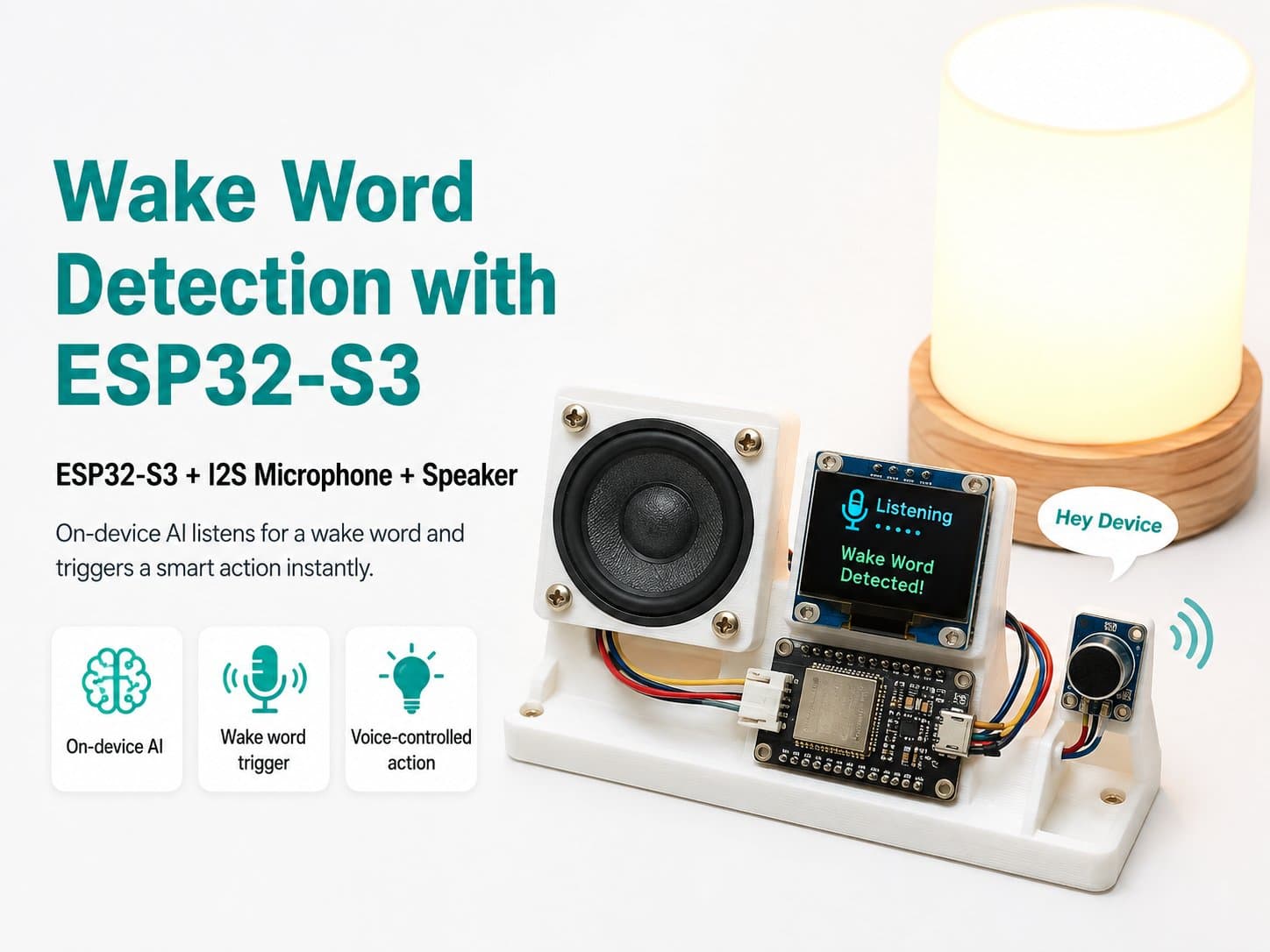
What Is Wake Word Detection, and Why Use an ESP32-S3?
What Is Wake Word Detection, and Why Use an ESP32-S3?
1. The Wake Word Detection Concept
Wake Word Detection is a technology that lets a device recognize a specific word or phrase within the surrounding audio. Once the keyword is detected, the device activates and runs its pre-programmed functions.
2. Why Choose the ESP32-S3 for This Project?
High performance: the ESP32-S3 is equipped with a dual-core Xtensa® 32-bit LX7 processor, letting it process audio and AI algorithms quickly.
Connectivity: it supports WiFi and Bluetooth, making it easy to connect with other devices in an IoT ecosystem.
AI support: the ESP32-S3 supports AI features through optimized instructions — it has no dedicated AI accelerator, but that's well suited for a Wake Word Detection application.
Low power consumption: with deep-sleep mode, the ESP32-S3 can save power, letting the device run for a long time.
3. Hardware Setup
To build this project, you'll need the following components:
ESP32-S3
INMP441 I2S microphone (needs a 3.3V supply)
A 5V power source (with a regulator to provide 3.3V for the ESP32-S3 and the INMP441)
Tip: use a stable power supply to avoid affecting the device's performance.
4. Sample Code
Below is sample code using the ESP-IDF for wake word detection:
#include <esp_system.h>
#include <driver/i2s.h>
// ESP-SR chỉ hỗ trợ trong ESP-IDF

void setup() {
    // Khởi tạo I2S cho microphone INMP441
    i2s_config_t i2s_config = {
        .mode = I2S_MODE_MASTER | I2S_MODE_RX,
        .sample_rate = 16000, // Tốc độ mẫu cho ESP-SR
        .bits_per_sample = I2S_BITS_PER_SAMPLE_16BIT,
        .channel_format = I2S_CHANNEL_FMT_RIGHT_LEFT,
        .communication_format = I2S_COMM_FORMAT_I2S,
        .intr_alloc_flags = 0,
        .dma_buf_count = 8,
        .dma_buf_len = 1024,
        .use_apll = false
    };
    i2s_driver_install(I2S_NUM_0, &i2s_config, 0, NULL);
    // Khởi tạo ESP-SR cho phát hiện từ khóa
}

void loop() {
    // Lắng nghe âm thanh và phát hiện từ khóa
}