Checking Design Rules (DRC)
The default rule set for "Manual Iron-On" — looser than industrial fab standards on sizing, but stricter on clearance:
- Crossing — a hard error, blocks export.
- Minimum trace width (0.8mm) — warning.
- Minimum wire-to-wire / wire-to-pad clearance (0.5mm) — warning.
- Minimum distance to board edge (1.0mm) — warning.
- Minimum copper ring around a drill hole (0.4mm) — warning.
Steps
- Click Check DRC.
- The panel shows "PASS — ready to print" or "X errors, Y warnings" along with a detailed list.
- Click ✕ to close.
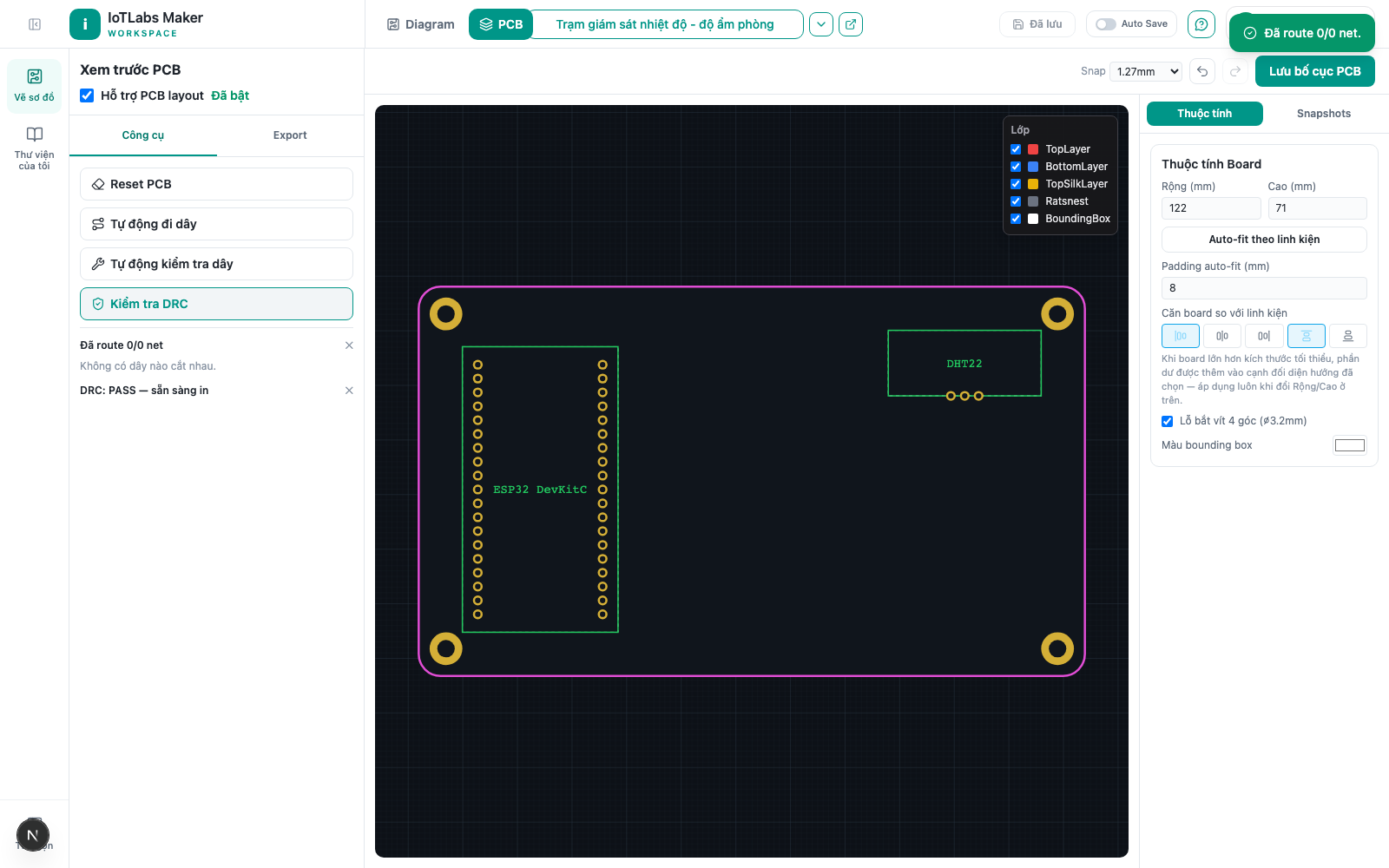
Result: only "crossing" errors block PDF/Gerber export — other warnings still allow you to export normally.
Example
Before exporting Gerber files to send to a fab house, click "Check DRC" — the panel reports "1 error, 2 warnings": 1 trace crossing (must be fixed with a jumper before you can export) and 2 warnings about traces that are a bit narrow near the board edge (still exportable, but worth widening if there's time).