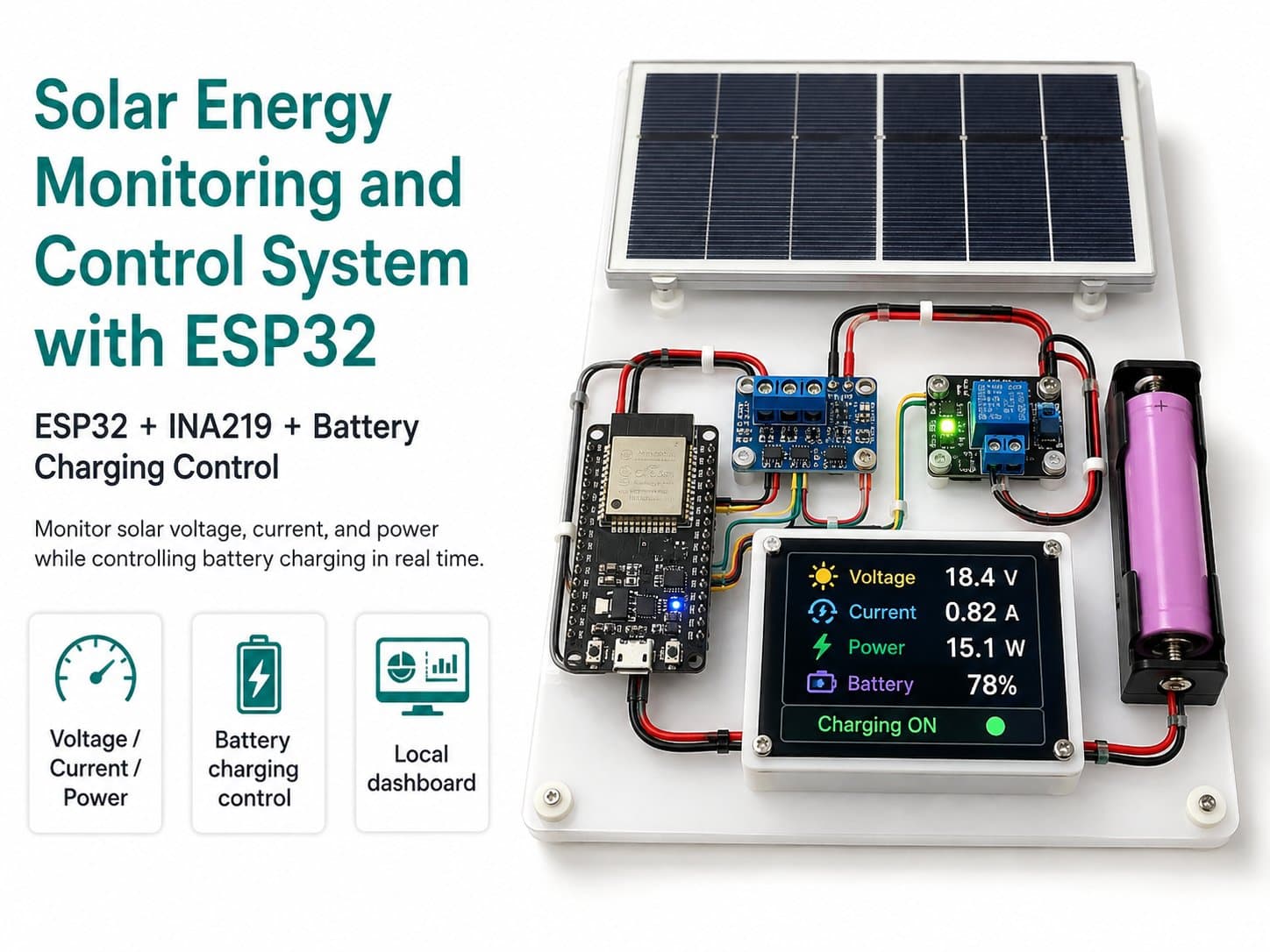
Part 5: Monitoring and Control Dashboard over MQTT
Design a dashboard showing voltage, current, power, battery voltage, load status, and ON/OFF/AUTO control buttons over MQTT.
Part 5: Monitoring and Control Dashboard
The dashboard lets you observe data from the ESP32 in real time and send load-control commands. For this project, the dashboard should go through MQTT rather than a web server running directly on the ESP32, since MQTT suits an IoT device model that sends telemetry and receives control commands.
Information Cards to Include
| Card | Displayed Data | Purpose |
|---|---|---|
| Solar Input | pv_voltage, pv_current_ma, pv_power_mw | Tracks energy from the panel. |
| Battery | battery_voltage | Tracks the storage battery's status. |
| Load Control | load, mode, ON/OFF/AUTO buttons | Controls the DC load and switches modes. |
| Alert | Low-battery, disconnection, or load-not-enabled notices | Helps catch issues early. |
The MQTT Control Flow
When the user presses ON, OFF, or AUTO on the dashboard, the dashboard publishes the matching payload to the control topic.
Topic: iotlabs/solar01/cmd/load
Payload: ON
Payload: OFF
Payload: AUTO
The ESP32 subscribes to this topic, checks the payload, and performs the matching action. If the payload is ON but the battery is low, the ESP32 doesn't turn on the load and sends an alert to the alert topic instead.
Dashboard Design Principles
| Principle | How to Apply It |
|---|---|
| Prioritize key readings | Place battery voltage, PV power, and load status somewhere easy to see. |
| No blind control | The ON button should only work when the system reports enough battery charge. |
| Show clear units | V, mA, mW, or W must be shown next to each reading. |
| Show a disconnected state | If telemetry hasn't arrived for too long, the dashboard should show OFFLINE. |
| Include alerts | Low battery, abnormal current, and disconnection should be shown separately. |
⚠️ Never use the dashboard to control a hazardous load or an AC load. This project only controls a small DC load, within the scope of the learning model.