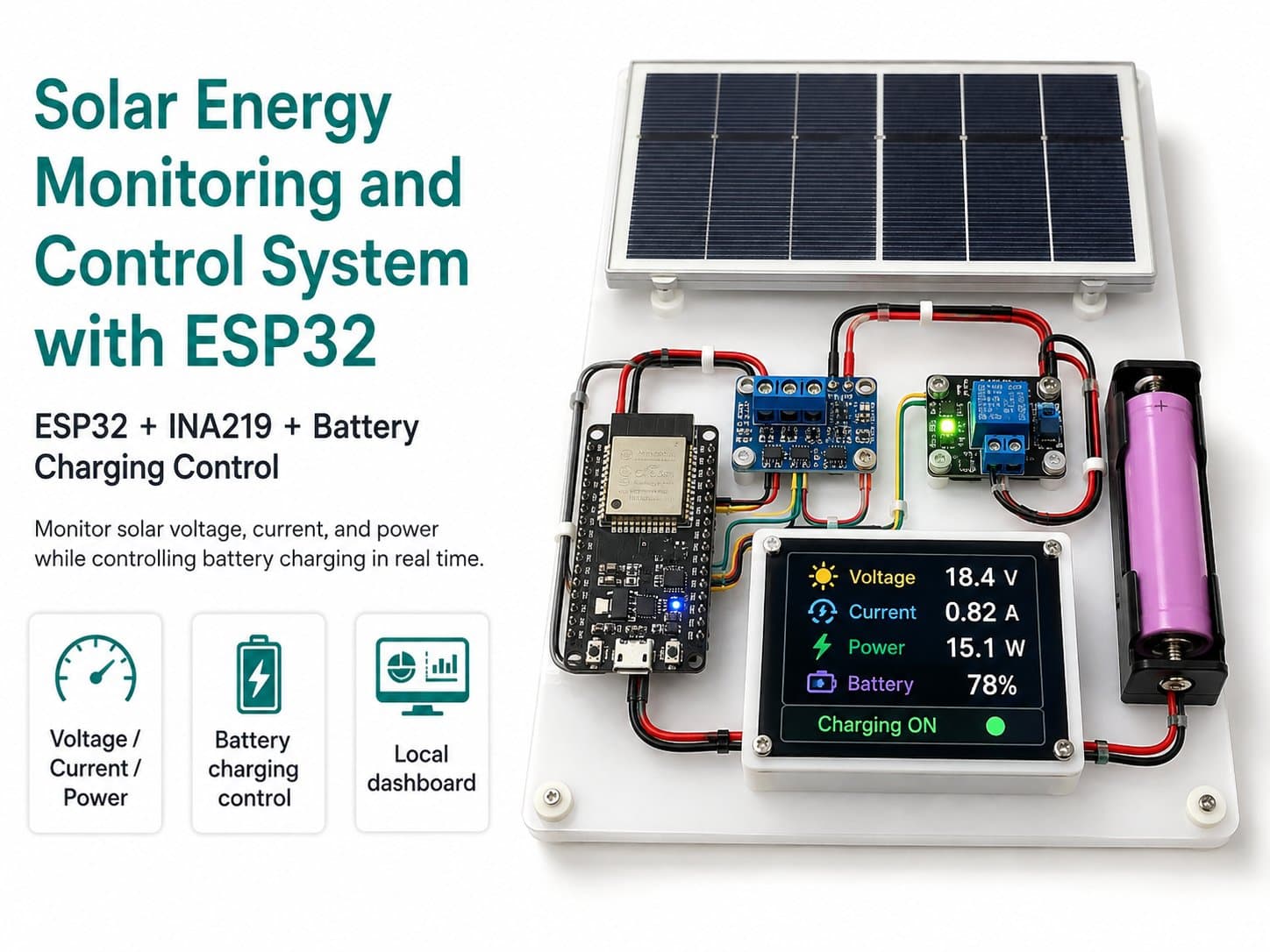
Part 4: Programming the ESP32 to Measure Energy and Send MQTT Data
Install libraries, configure WiFi and MQTT topics, read the INA219, read the battery via the ADC, send telemetry, and receive DC load control commands.
Part 4: Programming the ESP32 to Measure and Send MQTT Data
The ESP32's firmware has four main jobs: connecting to WiFi, reading the INA219, reading battery voltage via the ADC, and sending data to MQTT. It also receives load-control commands from MQTT.
Libraries to Install
| Library | Purpose |
|---|---|
| WiFi | Connects the ESP32 to a WiFi network in STA mode. |
| PubSubClient | Connects to the MQTT broker, publishes telemetry, and subscribes to control commands. |
| Wire | I2C communication. |
| Adafruit INA219 | Reads voltage, current, and power from the INA219. |
MQTT Topics
| Topic | Data Direction | Meaning |
|---|---|---|
| iotlabs/solar01/telemetry | Published by the ESP32 | Voltage, current, power, battery voltage, and load status data. |
| iotlabs/solar01/status | Published by the ESP32 | ONLINE or OFFLINE status. |
| iotlabs/solar01/cmd/load | Sent from the dashboard | An ON, OFF, or AUTO command. |
| iotlabs/solar01/alert | Published by the ESP32 | A low-battery alert, or a load-not-enabled notice. |
Sample Telemetry Payload
{
  "pv_voltage": 12.60,
  "pv_current_ma": 320.0,
  "pv_power_mw": 4032.0,
  "battery_voltage": 12.10,
  "load": true,
  "mode": "AUTO"
}
Battery Protection Logic
In AUTO mode, the ESP32 turns off the load if battery voltage drops below the LOAD_OFF_VOLTAGE threshold. The load is only turned back on once battery voltage rises above LOAD_ON_VOLTAGE. Using two different thresholds like this is called hysteresis, which prevents the relay from rapidly switching on/off when voltage fluctuates.
| Parameter | Role |
|---|---|
| LOAD_OFF_VOLTAGE | The threshold for turning off the load when the battery is low. |
| LOAD_ON_VOLTAGE | The threshold allowing the load back on once the battery recovers. |
| BATTERY_CALIBRATION | A correction coefficient for battery voltage, after comparing against a multimeter. |
⚠️ The battery thresholds in the code are just an example for a 12V model. For lithium, LiFePO4, or lead-acid batteries, set thresholds based on the battery's datasheet, the BMS, and the charge controller in use.
Firmware Code
The sample code is in the project's Code Samples section. Before flashing, replace the WiFi credentials, MQTT host, username, and password, and check the relay's active level.
✅ After flashing, open the Serial Monitor at 115200 baud to check that the ESP32 connects to WiFi, MQTT, and reads the sensor data correctly.